
Predictive project management with AI in Dynamics 365 Project Operations
It’s Saturday night, and there’s a planned overnight closure for railway maintenance. The line is under possession for a planned upgrade: new points, a signal test, you name it. At 02:10 AM, a track‑closure overrun in the signal room means the route can’t reopen on time. The handover from the construction team back to the operations department runs late, and with tight timetables and crew schedules, a three‑hour slip can turn into a three‑day delay for the next work package.
In rail and other large infrastructure, this is common: small delays have a big impact, whether they come from late time entries, approvals lost in someone’s inbox, or updates that are located only in spreadsheets. You’ll never get an up-to-date overview of the situation.
In this article, we’ll explore the predictive capabilities of Dynamics 365 Project Operations as the solution: first, with Deutsche Bahn’s climate program and how predictive planning works on scale, and second, with Siemens Mobility and how it created and rebuilt the groundworks so they can use predictive project management on the same scale.
Deutsche Bahn: Predictive planning at scale
Deutsche Bahn’s Climate Action Program is a real‑world testbed for predictive analysis at scale: €11 billion, 1,000 measures across Germany, and a hard 2030 deadline to hit passenger growth and modal‑shift targets while operating within severe resource constraints, most notably track possessions. In this context, forecasting and scenario‑driven decision‑making are how the team keeps finances, delivery, and outcomes aligned under tight time and capacity pressures.
To achieve that, the program centralized KPIs and built a map‑based view that blends financial realization and progress with program structures, giving both internal teams and external stakeholders a single picture of where the program stands and what needs attention next. The team uses Dynamics 365 Project Operations to provide sub‑program owners with a shared operational view and relies on Excel import/export to onboard users accustomed to spreadsheet workflows.
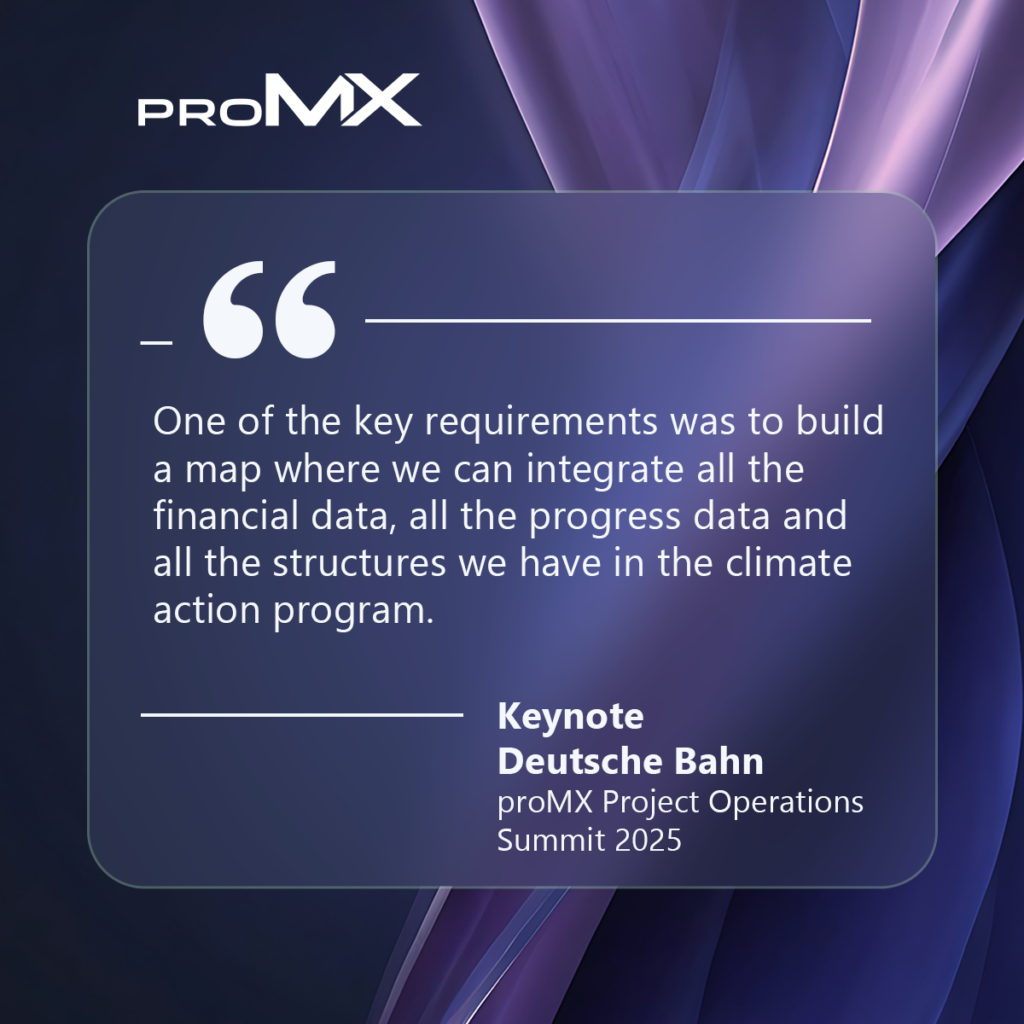
Crucially for predictive analysis, Deutsche Bahn incorporated scenario analysis to test how choices impact benefit management and target attainment. This approach supports proactive steering when schedules, budgets, or resources start to go (metaphorically) off the rails. The methodology is clear: simulate, compare, and re‑prioritize before risks even come up.
The data model spans three aggregation levels (program, sub‑program, and regional/project), so leaders can zoom from a national overview down to on‑the‑ground execution. Looking ahead, the team plans to enhance the map with richer milestone data, introduce role‑specific views to simplify the user experience, and advance toward business intelligence, automated planning, and automated steering.
Watch the full keynote on YouTube
Siemens Mobility: Creating the base for predictive project management
For Siemens Mobility, before predictive project management becomes reality, the foundations – i.e., data, integration, process governance, and organizational buy‑in – must be solid.
The company operates across rolling stock, rail infrastructure, services, turnkey solutions, and software, with projects ranging from small multi‑month efforts to multi‑year programs and decades‑long service contracts. These types of projects require connected, high-quality project data.
Learning from that 2020 pilot, Siemens relaunched in 2024 as a cross‑organizational program with board sponsorship and proMX as a partner, aligning SAFe roles, fusion teams (i.e., internal IT and partner consultants), and strong Power Platform governance (i.e., managed environments, ALM pipelines, clear citizen‑developer guardrails).
The integration approach is API‑first and pushes for more native, event‑driven integration in Dynamics. Security and compliance are non‑negotiable before enabling advanced AI.
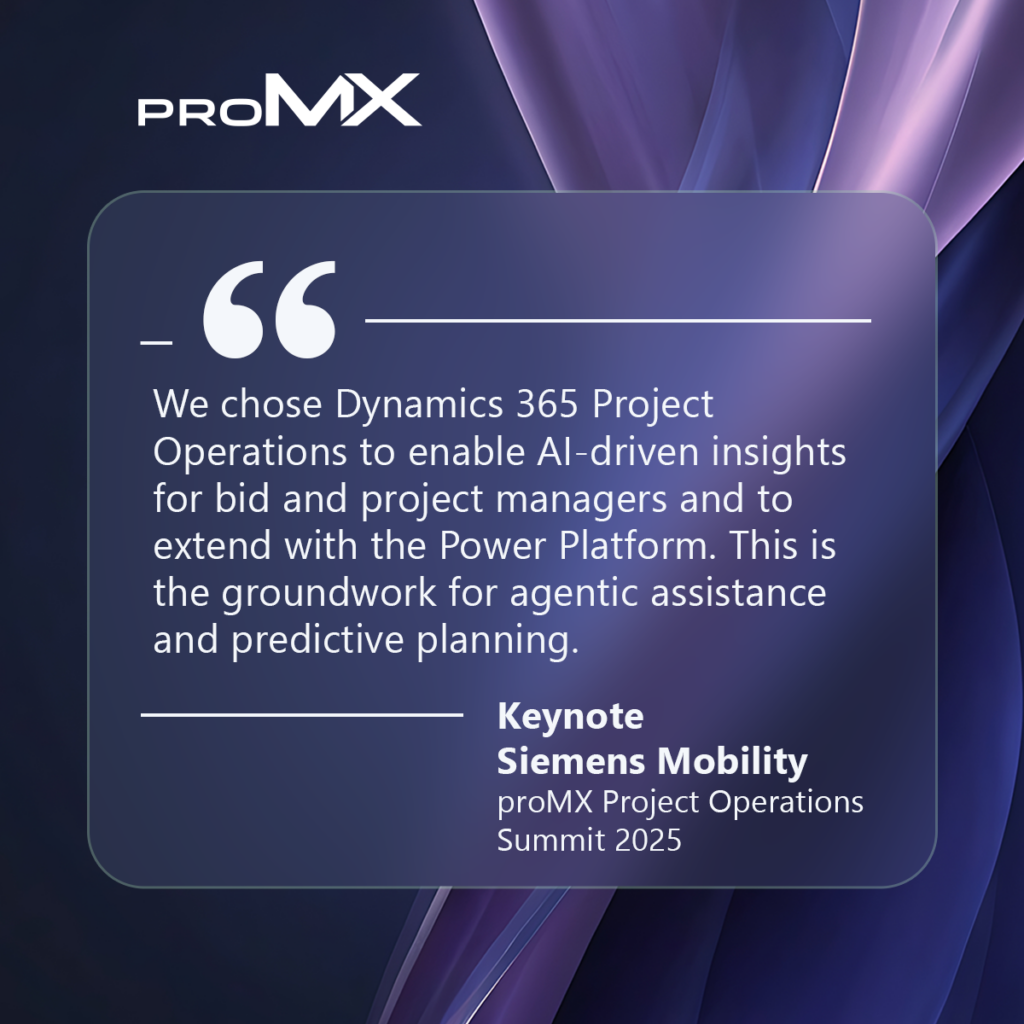
In summary, Siemens Mobility shows how large enterprises prepare for predictive project management: establish governed data pipelines, modernize processes, and deploy Dynamics 365 Project Operations as the system of record so AI (Copilot and agents) can add real forecasting and decision support value.
Watch the full keynote on YouTube
Overview: Predictive features in Dynamics 365 Project Operations
Deutsche Bahn showed what predictive steering looks like on a large scale, while Siemens Mobility showed what it takes to make that possible. The features below are what you need for your chosen path:
Stronger data to predict from
Project data has to be clean and up to date to avoid errors, delays, and thus wrong forecasts. To avoid them, Dynamics 365 Project Operations simplifies everyday data entry: time and expenses are easier to enter on web and mobile, approvals are clearer to work through, and planning supports the custom fields your teams actually use.
On the finance side, billing and contract reviews are easier, and support for stocked items brings more detail into the same system as the plan. Schedules, too, are kept consistent across regions, and in the end, so is your data.
Copilot turns your data into next steps
Copilot can draft status updates from live project data, so managers stop compiling and start correcting course. It also acts as an Expense Agent: matching corporate‑card charges to receipts and itemizing hotel bills and similar expenses.
What‑if analysis before you commit
What‑if analysis at the quote stage lets you test prices, discounts, and costs to see the margin impact immediately. Those assumptions then carry into execution, so you can compare plan vs. actuals and improve the next estimate.
Time entry mobile app to speed up your time tracking
With the Time Entry mobile app, consultants can log time from their calendars, run a timer, and sync across devices. Hours land sooner and with fewer mistakes, which improves burn‑rate and “work remaining” predictions.
Work in the tools you already use
Updates don’t happen only inside the project app, meaning that Teams, Outlook, and Excel can feed data into Dynamics 365 Project Operations too. This helps office teams and on-site crews submit progress while they’re working on it.
Conclusion
The case studies point to the same lesson: the earlier you see a problem, the easier (and, let’s be honest, cheaper) it is to fix. The predictive features in Dynamics 365 Project Operations let you see problems earlier and act in time.
In a nutshell, with Dynamics 365 Project Operations you get:
- One place for plan, actuals, and costs, all updated quickly
- Simple daily inputs (time, expenses, approvals) so the data is clean
- AI that turns your data into early warning signs and clear next steps
Are you ready to explore this for your own projects? Then book a consultation with proMX. We’ll review your setup, identify quick wins, and outline a practical path to predictive project management with Dynamics 365 Project Operations.



RECENT POST
OUR EVENTS